

In this Article
If you’re reading this in May, your books are almost certainly behind. That’s not a moral failing; it’s the predictable cost of tax season. For three months, anything that didn’t directly feed the 2025 return got shoved aside: uncategorized transactions, broken bank feeds, unreconciled merchant deposits, half-entered vendor bills.
Now those three months are sitting on your shoulders, and Q2 is already underway.
This guide walks through the catch-up sequence used in nearly every post-tax cleanup engagement, plus the specific issues that tend to surface and roughly how long the work actually takes. By the end, your January and April 2026 books should be reconciled, your forecasts trustworthy, and Q2 should start from a clean baseline rather than compounding errors.
Why the Reset Matters
A two or three-month bookkeeping gap doesn’t feel urgent. The return is filed. Cash is moving. Nothing is on fire.
The problem is that gaps don’t stay still; they distort everything downstream. Q1 variance reports become unreliable. Cash flow forecasts drift because they’re built on stale assumptions. Sales tax and quarterly estimated payments get harder to size correctly. And if you wait until December, the cleanup work you could have done in eight hours now takes a week and costs four times as much, because a bookkeeper has to untangle it before next year’s filing.
The IRS requires businesses to maintain complete and accurate records (see IRS Publication 583 for general guidance). A backlog increases the odds that next year’s return is built on numbers you can’t fully defend.
A structured reset right after tax season, ideally in the first two weeks of May, fixes all of that for a fraction of the effort waiting would cost.
The 8-Step Catch-Up Sequence
Order matters. Skipping ahead, especially on reconciliations, is the single fastest way to create errors that are harder to spot later.
Step 1: Pull every source document for January 1 through April 30.
Bank statements, credit card statements, Stripe and PayPal exports, cash receipts, expense reports, and mileage logs. Missing source documents is the number-one reason a catch-up stalls midway. Collect them in one folder before you open the books.
Step 2: Reconnect bank feeds and import any missing data.
Bank feed disconnections during tax season are routine. Most providers require reauthorization every 90 days, and several major banks introduced updated OAuth flows in early 2026 that quietly broke connections. Reconnect every feed in QuickBooks Online, Xero, Wave, or whatever you use. Then verify what’s actually imported versus what should be there. Resolve duplicates before you start categorizing.
Step 3: Categorize the transaction backlog chronologically.
Work January forward, not in reverse. Apply the chart of accounts you’d expect your accountant to recognize at year-end, not whatever ad-hoc categories crept in during March. Build bank rules for recurring vendors (payroll provider, AWS, rent draft, common SaaS subscriptions). In practice, the first ten rules you build will eat about 60% of the volume.
Step 4: Reconcile each account, month by month, in order.

January first. Then February, March, and April. Each month’s closing balance must match the bank or credit card statement exactly. Reconciling out of sequence is the most common cause of cascading balance errors found in client books. A $12.00 mismatch in January gets “fixed” twice in February and March, and the audit trail becomes nearly impossible to follow.
⚠️ Watch Out: If your closing balance is off by an exact transaction amount, you almost always have a duplicate or missing entry, not a math error. If it’s off by an irregular amount, you’re more likely looking at a misposted check or a bank fee that was never categorized.
Step 5: Run AR and AP aging, then act on it.
Generate aging reports for both accounts receivable and accounts payable. Anything past 60 days needs a phone call, not another email. Confirm that vendor bills received since January are entered with the correct date, particularly for accrual-basis books, where misdating a bill shifts the expense to the wrong period. Write off receivables you genuinely cannot collect; carrying them inflates revenue and overstates assets.
Step 6: Reconcile payroll line by line.
Pull the payroll register from Gusto, ADP, Paychex, Rippling, or whatever provider you use, and tie it to your GL. Confirm that gross wages, employer taxes, and the corresponding tax deposits all reconcile. Payroll is the area where penalties hit hardest. IRS Publication 15 walks through employer obligations, so this step is worth doing carefully, even when nothing obvious looks wrong.
Step 7: Rebuild the 13-week cash flow forecast on real Q1 actuals.
This is the highest-value step most owners skip. Whatever you projected in late 2025 is now four months stale. Plug in actual January – April revenue and expense data, then re-forecast May through July. Compare to your original budget and write down the variance drivers: did sales miss the mark due to pipeline, pricing, or seasonality? Real answers here drive better decisions than any other spreadsheet ever will.
Step 8: Generate financial statements and read them carefully. Run a P&L and balance sheet for January through April 2026, with prior-year comparatives. Look at gross margin, operating expenses as a percentage of revenue, and net income trend. Anomalies (a category that doubled, an expense that vanished, a margin that shifted by more than two points) usually mean either a coding error or a real business issue. Both deserve a second look before they become next quarter’s surprise.
Common Loose Ends From Tax Season
These are the issues that show up in nearly every post-tax cleanup:
- Transactions parked in suspense, “ask my accountant,” or other holding accounts that never got resolved.
- Duplicates were created when someone uploaded statements manually alongside a working bank feed.
- Misdated transactions. On the cash basis, income is recognized when payment is received, not when invoiced. Errors occur when payments are recorded in the wrong period, such as a December 2025 receipt mistakenly booked in January 2026, which shifts income to the wrong year.
- Owner draws or personal expenses run through business accounts without being reclassified.
- Undeposited funds are sitting in a clearing account instead of being matched to actual deposits.
- Loans or credit line draws are coded as revenue rather than liabilities. Surprisingly common, and surprisingly distorting.
- Fixed asset purchases are expensed in full rather than capitalized and placed on a depreciation schedule.
Pro Tip: Before starting the reconciliation sequence, run a “Transaction Detail by Account” report filtered to January – April 2026, then sort in descending order by amount. The largest unrecognized transactions at the top almost always include the highest-risk errors. Fix those first; the rest is volume work.
How Long Will This Actually Take?
The honest answer depends on transaction volume and how much was getting punted during tax season.
Freelancer or sole proprietor, one or two accounts. A clean Q1 catch-up usually takes two to six hours if records are mostly intact and you can dedicate focused time.
Small business with three to six accounts and 100 – 400 monthly transactions. Plan on one to three days of focused work yourself, or roughly four to eight hours for a bookkeeper who already knows your chart of accounts.
Multi-entity, inventory-based, or revenue over ~$2M. Bring in an accountant or a fractional controller. A full Q1 reset can take one to two weeks, and it’s worth pairing it with a light internal controls review while everything is open.
Don’t Let the Backlog Reform
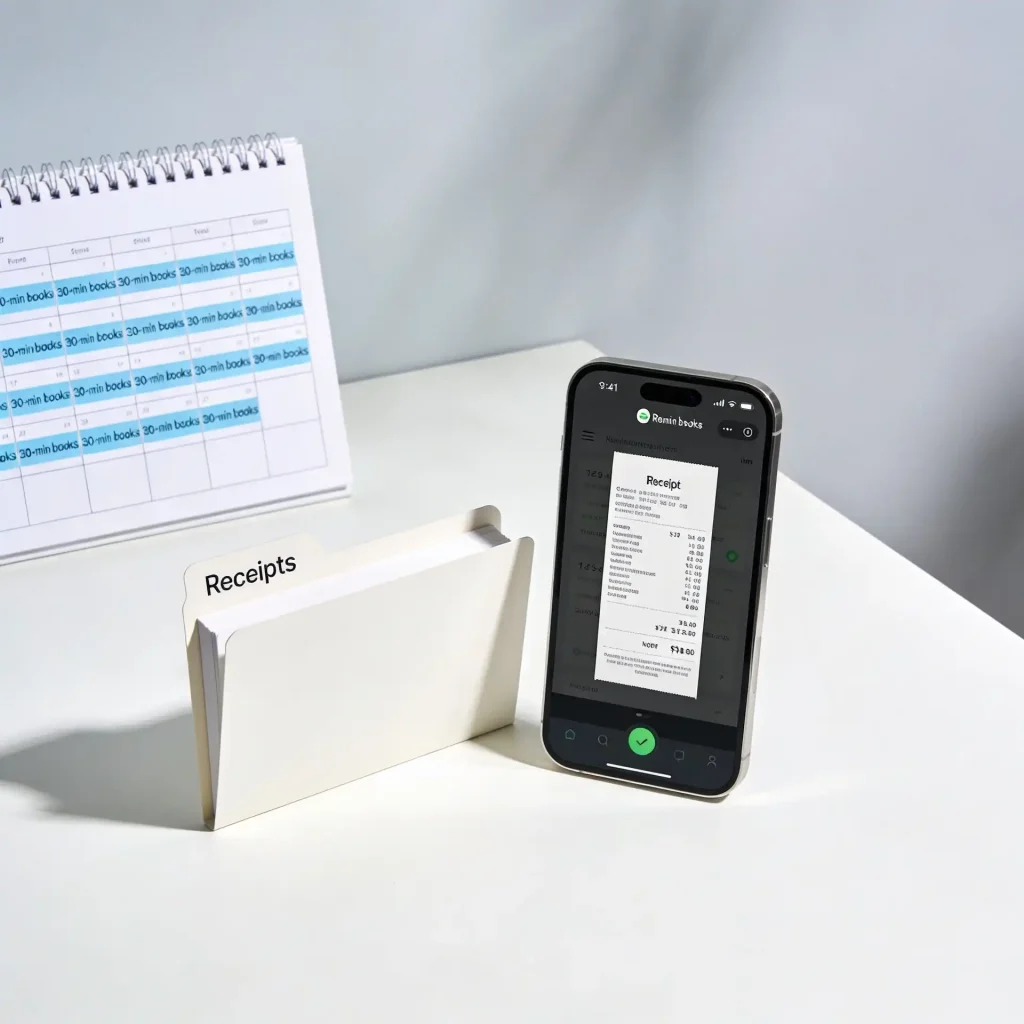
Most catch-ups are needed because the same six habits weren’t in place. Build them now, while the books are clean:
- Block 30 minutes weekly for transaction categorization. Calendar it.
- Reconcile each bank account in the first week of every month, not quarterly.
- Use a dedicated business debit or credit card. Mixed personal/business charges are the most common source of cleanup work.
- Capture receipts at the point of purchase with a scanning app linked to your accounting software.
- Build bank rules for high-frequency vendors: AWS, Zoom, your office supplier, rent payment, etc.
- Read a management P&L every month. The habit alone creates accountability.
Conclusion
Catch-up isn’t glamorous work. Nobody puts “reconciled four months of bank statements” on a quarterly highlights reel. But the businesses that pull off a clean May reset spend the rest of the year making decisions on numbers they trust, and the ones that don’t usually find themselves doing the same work in November under twice the pressure.
Pick a week. Block the hours. Pull the statements, reconnect the feeds, and work the eight steps in order. Most of the difficulty is psychological; the actual mechanics are repetitive once you’re in the rhythm.
When you’re done, you’ll have something more useful than tidy books. You’ll have a real picture of how Q1 went, a forecast you can defend, and the rest of 2026 to actually run the business instead of cleaning up after it. At The Chamberlain Accounting Firm, we specialize in tax preparation and strategic planning for self-employed individuals, small businesses, and law firms. Our services include individual (Form 1040) and business returns (Forms 1065, 1120, 1120S), full-service bookkeeping, and year-round tax advisory. We serve clients in Bergen County, New Jersey, and across the U.S. Call us at (201) 371-3344 or reach out to schedule a consultation.
Frequently Asked Questions
Most small businesses with straightforward finances can handle a Q1 catch-up independently. Bring in help if you have inventory, payroll complications, multiple entities, or more than roughly 300–400 transactions a month. Or, perhaps most importantly, if you want to focus on your business, hire
It compounds. By July, January's reconciliation errors have distorted six months of reports, and a bookkeeper untangling it before next tax season will charge several times what a May cleanup would have cost.
Only if the errors affect amounts reported on the 2025 return, and only after talking to your accountant. Materiality and risk-benefit matter; not every correction warrants an amendment. Errors that affect only 2026 do not.
Call your bank for clarification. If still unresolved, park them in a clearly named clearing account ("Unidentified, Research Needed") so they surface in every subsequent review, not in miscellaneous expense, where they disappear.
QuickBooks Online and Xero handle backlog reconciliation best, with strong bulk transaction editing, dependable bank rules, and mature reconciliation history. Wave is fine for freelancers and very small businesses. FreshBooks is best for invoice-heavy service businesses, but less suited to deep accounting cleanup.
Disclaimer: This article is provided for general informational purposes only and does not constitute accounting, tax, or financial advice. The information contained herein is not intended to be relied upon for specific tax, accounting, or financial decisions, and may not reflect current tax law or guidance. No opinion expressed herein may be used for the purpose of avoiding penalties under federal, state, or local tax laws. Readers should consult with a qualified accounting or tax professional regarding their specific circumstances. This communication does not create an accountant-client or advisory relationship.